There is no delete button inside BDG Win. The only route to close an account is a request through Account, Service Centre, Customer Service, with your user ID, and it should be the last step, not the first, because a closed account cannot withdraw. So the order is: withdraw everything, wait for it to complete, then ask for closure. This page gives that order step by step, explains what to do if you simply want to stop rather than delete, and warns about the deletion services on Telegram that ask for your login.
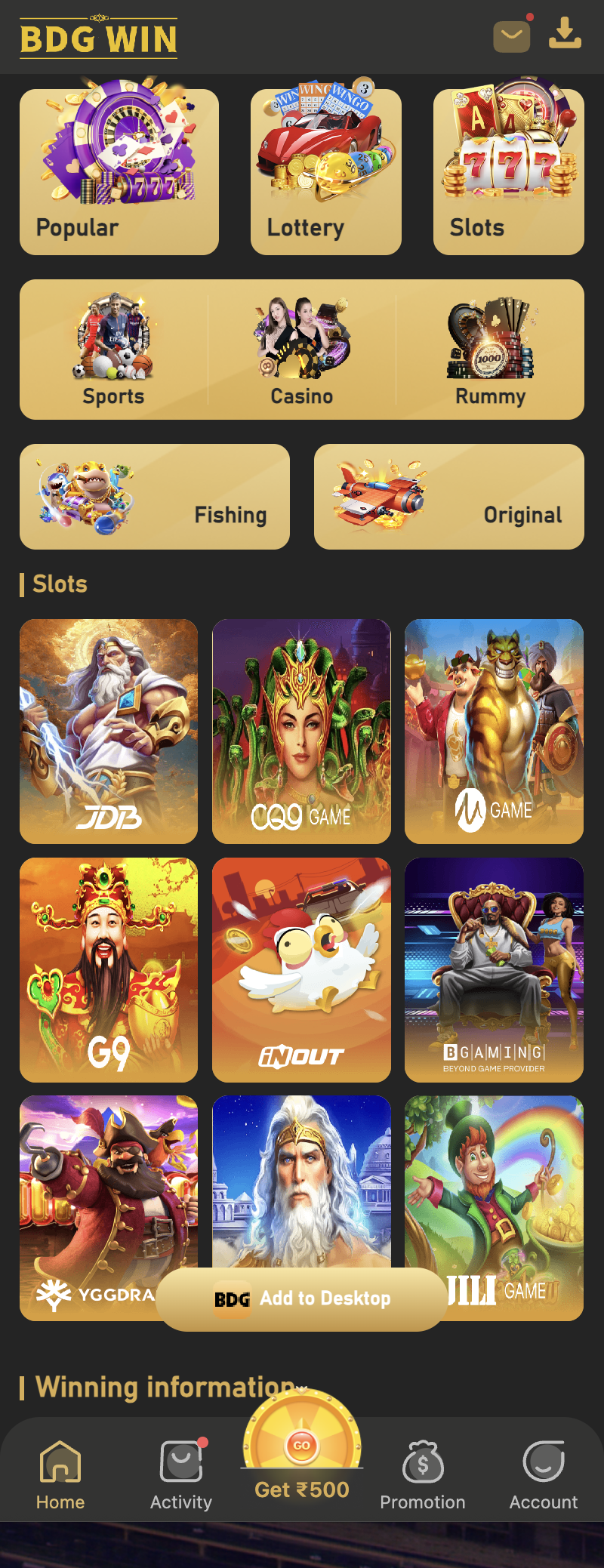
Why there is no delete button
The platform keeps account records tied to deposits and withdrawals, and the wallet is on its server, not on your phone. Uninstalling the app removes nothing on that side. Deleting the app on your handset is the same as logging out; your balance and history remain until the platform closes the account.
Step 1: take the money out first
Anything in the wallet at the time of closure is gone with it, so withdraw first. Wallet, Withdraw, Bank Card or USDT, with the bank account or wallet linked. The platform states processing within 1 to 24 hours or more, then 1 to 7 working days at the bank, so do not send the closure request until Withdrawal history shows completed and the bank has the money. If a withdrawal is refused, the reasons and fixes are at bdgwin365.in/bdg-win-withdrawal-rejected-problem/.
Step 2: the closure request
Once the balance is zero and the last withdrawal has landed, send the request.
- Log in with your mobile number and password.
- Go to Account, then Service Centre, then Customer Service.
- Choose the account category.
- Write that you want the account permanently closed, and include your user ID and registered mobile number.
- Send it and keep the ticket open until support confirms.
- Only after confirmation, uninstall the app and delete the home-screen icon.
If you just want to stop, not delete
Most people asking how to delete a BDG Win account actually want to stop playing. That does not need a ticket. Withdraw the balance, log out from Account, uninstall the app, and remove the bookmark. With no balance and no app, there is nothing pulling you back, and the account simply sits idle.
If stopping feels hard, that is worth taking seriously. The Hinglish notes on limits and when to stop, at bdgwin365.in/bdg-win-jitne-ka-tarika/, end with the signs that a game has stopped being entertainment.
The account deletion services on Telegram
Search the phrase and services appear that offer to delete your account and recover your money for a fee, or that ask for your login to do it for you. Both are scams. The platform’s closure route is free and inside the app, and nobody else can close an account or recover a balance. Handing over the mobile number and password gives them the wallet, not you the closure.
Can I open a new account later?
The platform allows one account per person, and it ties accounts to the mobile number. Registering a second one, while the first exists or after it is closed, risks both being locked. If you close an account and later want to play, raise that through Customer Service rather than registering fresh. Real-money games are for players aged 18 and over, and the platform restricts Andhra Pradesh, Telangana, Assam, Odisha, Nagaland and Sikkim.
Frequently asked questions
Is there a delete account option in the BDG Win app?
No. Closure is by request through Account, Service Centre, Customer Service, with your user ID.
Will I lose my balance if I delete the account?
Yes if any is left. Withdraw first and wait for it to complete before requesting closure.
Does uninstalling the app delete my account?
No. It only removes the app from your phone. The account and any balance remain on the platform.
How long does closure take?
The platform does not publish a time. Keep the ticket open until support confirms.
Someone offers to delete my account and refund my money for Rs 300. Real?
No. Closure is free and inside the app. Nobody outside can refund a balance.
Register or log in to BDG Win Download the BDG Win app
Real-money games are for players aged 18 and over. Play with money you can afford to lose and stop when your limit is reached.
BDG Win game guides
- BDG Win Win Go game: how colour prediction works
- BDG Win Chicken Road game: download and how to play
- BDG Win Aviator game
- BDG Win Mines game: how it works
- BDG Win K3 game kaise khele
- BDG Win 5D game: the 5-digit lottery
- BDG Win MotoRace game: bet on the top three
- BDG Win TRX Win Go: hash result explained
- BDG Win Plinko game
- BDG Win PUBG game: 1, 3 and 5 minute rounds
- BDG Win Dragon Tiger game
- BDG Win rummy: V8, KoolBet and Card365 lobbies
- BDG Win Andar Bahar: where it is and how a hand works
- BDG Win Keno game: how the number draw works
- BDG Win Limbo game: target multiplier rounds
- BDG Win Rocket game and Rocket Dice
- BDG Win Vortex game: how to open and read it
- BDG Win HiLo game: higher or lower
- BDG Win Tower game: climb and collect
- BDG Win Dice game: over or under
- BDG Win Mini Roulette: the small wheel
- BDG Win Blackjack: Multihand Pro 2 and V8
- BDG Win Draw Poker: hold and draw
- BDG Win Horse Racing game: virtual races
- BDG Win fishing games: Jackpot, Happy, One Shot
- BDG Win Lucky 777 slot: classic reels
- BDG Win Slots: Lucky 777 and more
- BDG Win Sports prediction
Help guides
- BDG Win app download
- BDG Win APK old version: why it fails
- BDG Win deposit not received: 6 checks
- BDG Win customer care number: real routes, fake numbers
- BDG Win withdrawal rejected: 7 reasons and fixes
- BDG Win band ho gaya kya? Not opening, server, locked
- BDG Win on iPhone: iOS without an APK
- BDG Win jitne ka tarika: trick ka sach
- BDG Win real or fake: 7 checks
- Is BDG Win legal in India? State rules
- Who is the owner of BDG Win, kis desh ka hai
- BDG Game prediction, tools and VIP HD ka sach
- Colour prediction hack aur trick ka sach
- BDG Win new version APK download and apk link
- BDG Win login 500 bonus: what it really is
- How to delete a BDG Win account